IfNo keys
Someone injects code into your app, or ships a bad package
They can ask. The user still sees and approves every spend in the vault.


Your users connect 1AM, or open a Midnight account with the wallet they already have. Their keys stay in a vault your app cannot read.
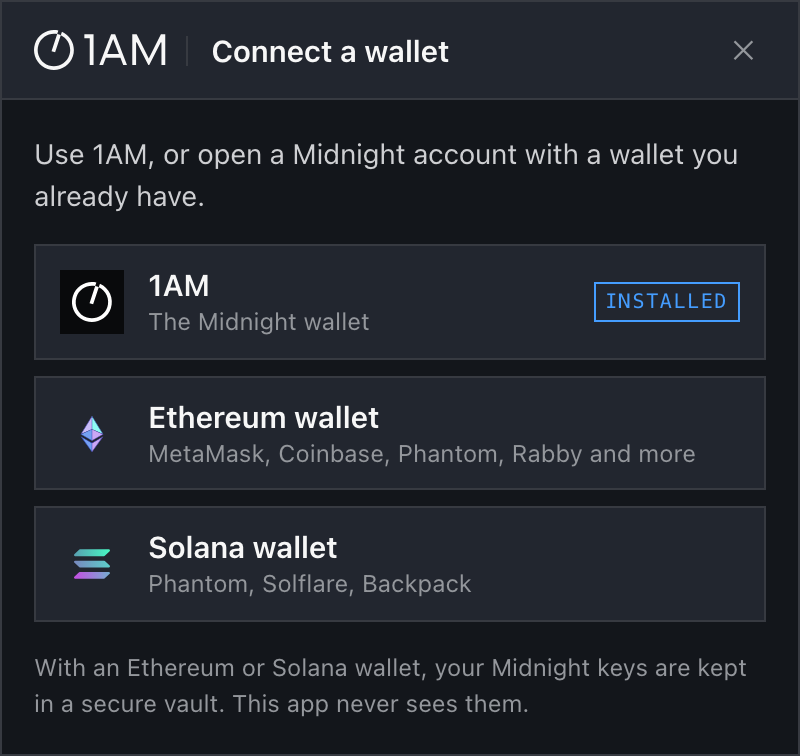
The 1AM NightKit connect modal, as your users see it.
Set up NightKit in this project.

1AM NightKit is 1AM's connect kit for Midnight: one button that connects the 1AM wallet, or opens a Midnight account from MetaMask, Coinbase Wallet, Phantom and other wallets.

1. Read https://nightkit.1am.xyz/agent.md first and follow it exactly, including its rules and the places where it tells you to stop.
2. If this project already has a React app, add NightKit to it the way the guide says: wrap the app in NightKitProvider and add a ConnectButton. If the folder is empty, start from the guide's starter.
3. Keep the NightKit vault on a different origin than the app. Never handle keys, seeds or recovery phrases in the app.
4. When you are done, tell me the app's address and the vault's address, how to run both, and that NightKit is a preview on a testnet.
What it is, what your users see, and where their keys stay.
One signature opens a real Midnight account. Pick a step, or watch them cycle.
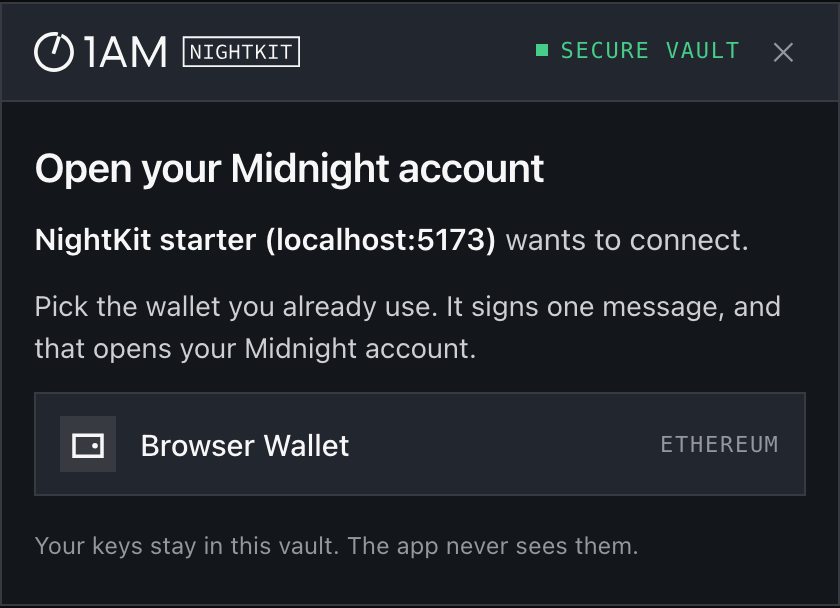
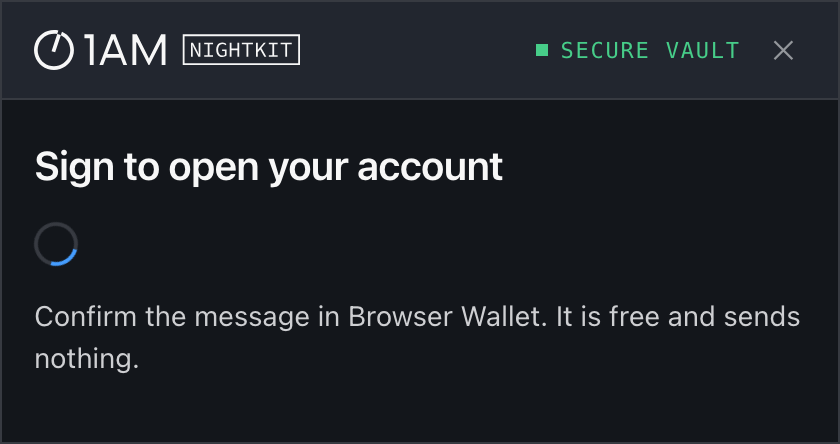
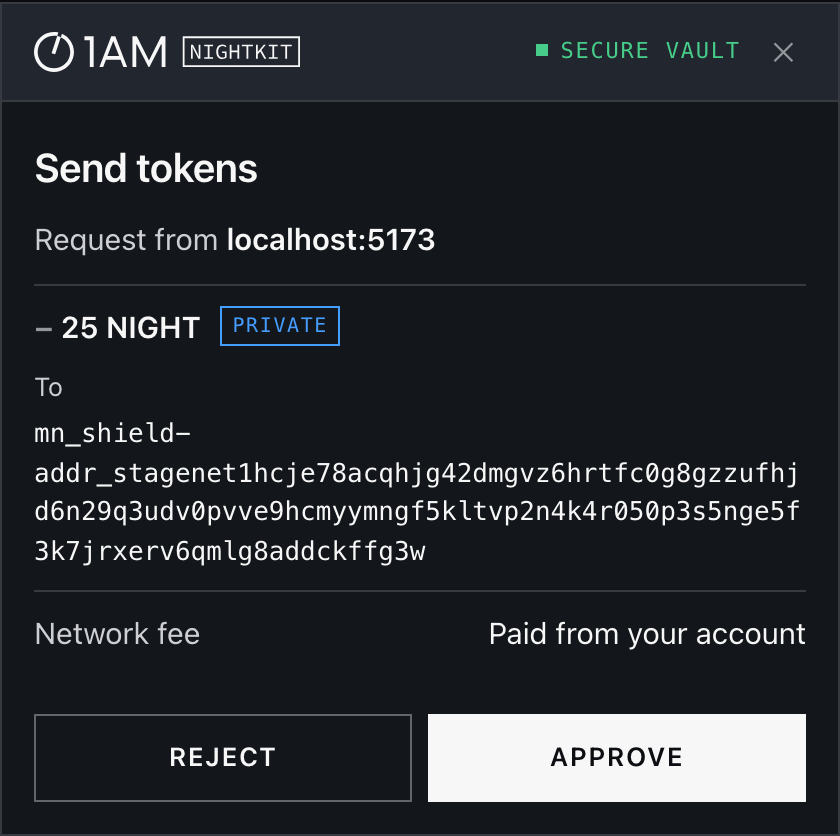
The real interface, captured from the starter app with a stand-in browser wallet.
Most people who would try your Midnight app do not have a Midnight wallet yet. They do have one of these.
Ethereum wallets are found the standard way (EIP-6963) and Solana wallets through the Wallet Standard, so a wallet does not need to be on this list to work. If a wallet does not show itself inside your app, NightKit opens a secure window where it does. 1AM and other Midnight wallets connect directly. Smart-contract, passkey and MPC wallets cannot open an account, and NightKit says so plainly. Mobile wallets over WalletConnect are not supported yet.
Wrap your app, drop in the button. You get the standard DApp Connector API back, so midnight-js works unchanged, whichever wallet connected.
@1am/nightkitThe core. No keys, no dependencies.@1am/nightkit-reactThe button, the modal and the account menu.@1am/nightkit-vaultA static page you host on its own origin.Starter appVite and React, with RainbowKit side by side.agent.mdThe guide for coding agents.import { NightKitProvider, ConnectButton, useNightKit } from "@1am/nightkit-react"; export function App() { return ( <NightKitProvider config={{ networkId: "stagenet", vaultUrl: "https://vault.yourapp.com", }}> <ConnectButton /> <Wallet /> </NightKitProvider> ); } function Wallet() { const { session } = useNightKit(); if (!session) return null; // The same API for 1AM, MetaMask, Phantom… session.api.getShieldedBalances(); session.api.makeTransfer([{ kind, type, value, recipient }]); }
The account's keys are made, kept and used in the NightKit vault: a small page on its own web address, shown inside your app. Browsers do not let one site read another, so nothing running in your app can reach them.
yourapp.comvault.yourapp.comThey can ask. The user still sees and approves every spend in the vault.
The approve button works only while the browser reports the whole request as visible.
It holds only which wallet was used last.
The wallet warns that the site does not match. If the user signs anyway, the account is exposed. This is why 1AM is offered first.
Hand the prompt to your agent. Your app never holds a key.